File Browser
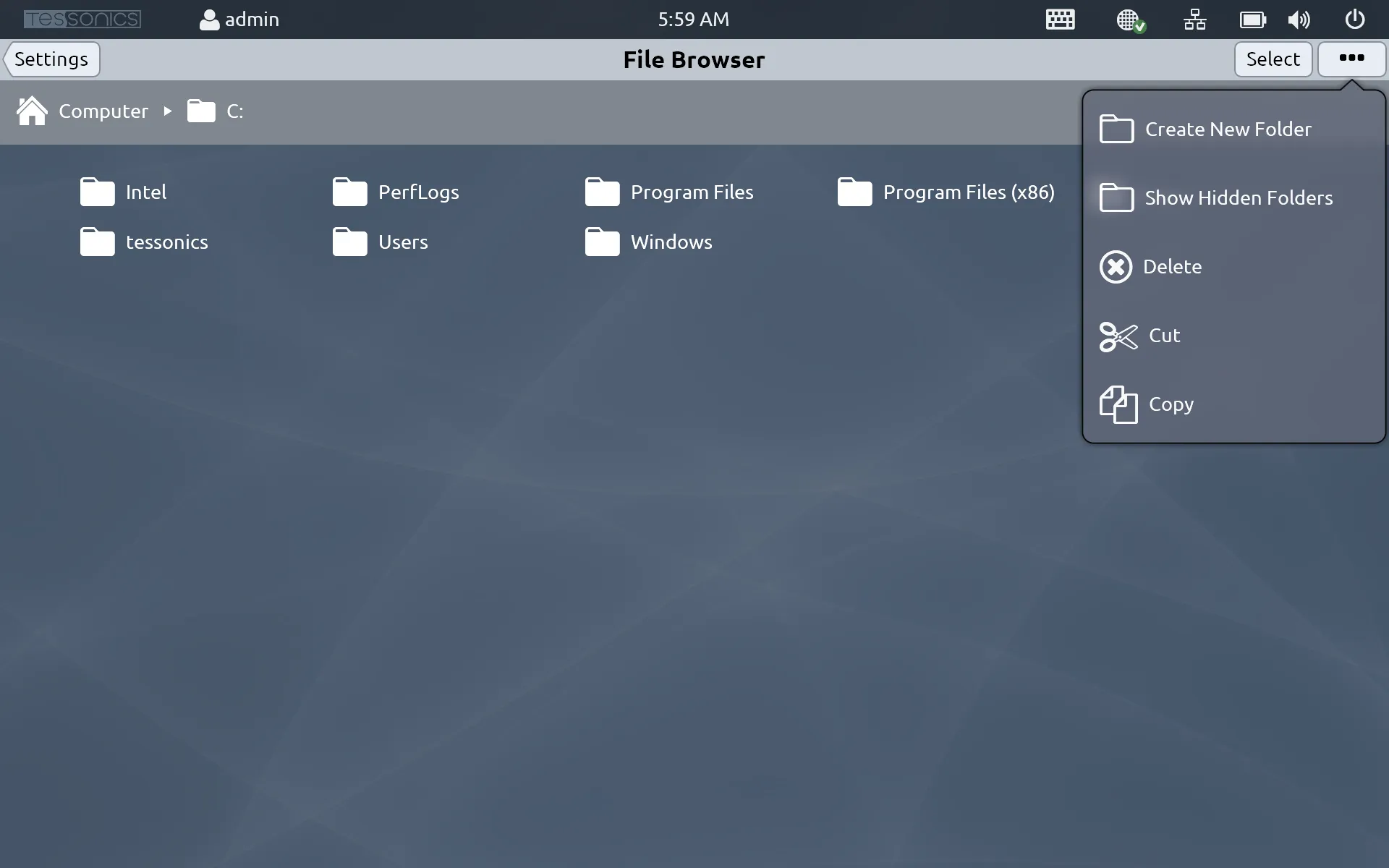
File Browser provides access to the file system on the RSWA as if it were a standard PC.
note
You must be logged in as an admin account to view this setting.
You can select different folders and files using the Select button at the top right of the screen, where you have the following options:
- Create New Folder;
- Show Hidden Folders;
- Delete the selected files and folders;
- Cut and Copy the selected files and folders; and
- Paste any cut or copied files and folders.
You can also execute .exe files, which is one of the ways to update the software on the RSWA unit. Simply download the new executable onto a USB device, navigate to that device using the File Browser, select the file and hit Execute.