Exporting Inspections
Exporting completed inspections, like importing templates, can be done either via Wi-Fi or by using a USB flash drive.
To export your inspections, click Sync, then under Export, you have two options:
- Recommended Inspections: This will export inspections that have never been exported yet from the RSWA unit.
- Selected Inspections: This allows you to select specific inspections to export.
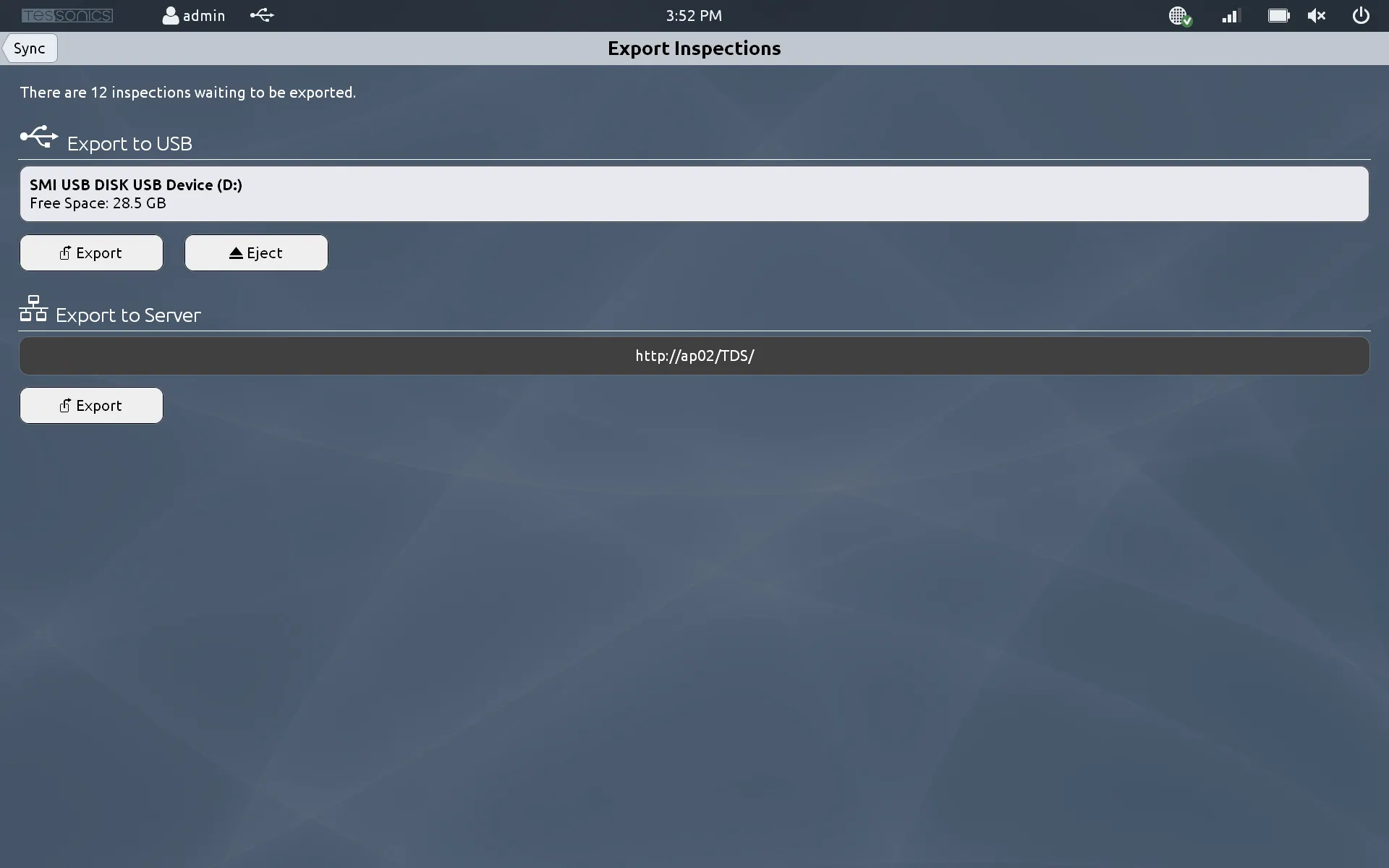
Once you have selected the inspections to export, you will be given the option to either export them to a USB stick, or to the data server (which is the preferred option). If your RSWA is connected to the wireless network, it is strongly recommended to export directly to the server. Otherwise, select the USB stick from the list and click Export. You will then need to eject that USB stick and insert it into a computer running Desktop Tools to complete the export operation.
If you do not wish to export inspections manually, there is an option to allow the RSWA to attempt to export your inspections as soon as you have saved them to permanent storage. This setting is called Export Inspections on Save and can be toggled in the Application Settings.
If an inspection cannot be exported wirelessly for whatever reason, it is not deleted from the RSWA. You are always able to export it via USB. Inspections can only be deleted manually.